- calendar_today August 26, 2025
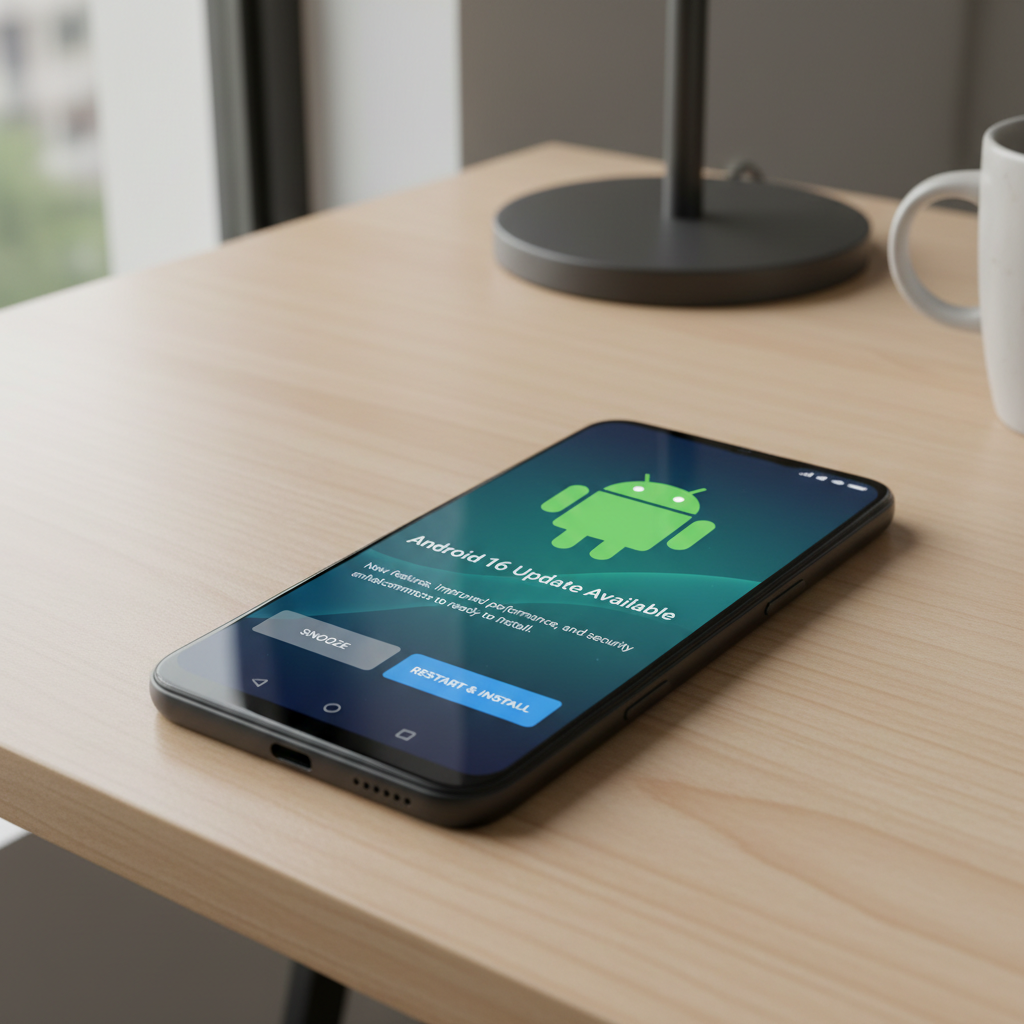
Following an extensive period of beta testing and speculation Google has launched Android 16 into official rollout. Pixel users can download the new update immediately but non-Pixel users will need to wait several months for their devices to receive it. Pixel users will receive the OTA notification shortly but those who want to install the update now can obtain system images and update files through Google’s developer pages.
The latest Android version lacks an extensive array of eye-catching features. The update centers around minor enhancements and system-level adjustments alongside several improvements visible to users. Users can expect the larger and more thrilling updates to launch sometime later in 2025.
Android 16 displays significant enhancements through its revamped notification handling system. Since Android 7.0 Nougat’s introduction of bundled notifications, Google has advanced this feature to become mandatory in Android 16. Multiple app notifications need to be combined into a single expandable item to provide users with a more organized view of their notification shade.
Live update notifications are also new. The notifications provide live updates from specific apps including rideshare and food delivery services. The status bar displays a small icon that users can tap to access a pop-up card showing a live progress bar. Google announced that they are working with Samsung and OnePlus to integrate this feature into Samsung’s Now Bar and OnePlus’s Live Alerts custom interfaces.
The new Android 16 version improves device protection through its system-wide Advanced Protection feature. The feature which was once limited to individual user accounts has expanded to operate throughout the entire device. The system blocks connections to insecure 2G networks and protects users from unsafe websites while disabling USB access for unrecognized devices. It’s a step forward for privacy-conscious users.
Pixel Studio app presents Pixel users with Emoji Kitchen as a fun new tool from Google. Through this feature users can create distinctive emoji designs which are generated by artificial intelligence. This feature doesn’t function as a productivity tool but instead brings personal flair to Android usage.
Developers need to review certain modifications alongside the new features. Developers who target Android 16 (API level 36) will experience enhanced optimization for large displays. Google aims to simplify the development process for responsive layouts on foldables and tablets which remain a key focus area for them. Expanded camera functionality now includes motion photo capture along with hybrid auto-exposure and night mode support. Applications which permit this feature now support HDR screenshots.
Google remains committed to making system performance and efficiency their primary focus. Android 16 introduces new limitations on background processes. This update should enhance battery life and speed up device performance but outdated apps might experience problems.
Android 16 release brings new Pixel Drop which introduces exclusive features for Pixel devices. The standout feature in Pixel Drop is Pixel VIPs which extends the favorite contacts idea. Users can now display VIPs in a specialized widget where they receive personalized details including recent WhatsApp and Messages exchanges along with shared locations when activated and birthday information. VIP contacts receive permission to override Do Not Disturb settings.
Pixel Drop brings enhanced hearing aid support along with Magnifier’s live search feature and wider use of Expressive Captions across the UK, Australia, and Canada. The Pixel experience encompasses these features without needing to perform a full system update.
The development of Android 16’s most anticipated features continues as work progresses. The Pixel phones will receive Material 3’s new Expressive design language before year-end. Developers have already received guidance to start modifying their applications to align with the new colorful and expressive visual style.
The desktop mode feature from Android discussions is now becoming available within the system. Samsung and Google are collaborating to expand the windowing experience modeled after DeX. Tablets will operate similarly to laptops when they are connected to external displays because they will support floating windows and improved multitasking capabilities. The Pixel 9 Pro Fold will not support this feature on its own hardware, but it will project a desktop-style interface on external displays. OEMs will ultimately determine whether this feature will be available. While Google will enable the feature on its own devices OEMs of other brands may restrict usage to basic screen mirroring functions.
The introduction of this Android version signals a change in Google’s software launch schedule. Android system updates have typically coincided with fall releases of new Pixel devices. Beginning with the Android 16 release schedule, major updates will debut in late spring followed by incremental feature additions throughout the remainder of the year.
Android 16’s initial features seem unimpressive but enable more powerful updates throughout 2025. A host of new features will be introduced on Android in the near future to help maintain its status as a platform worth watching.